Nov 11, 2026
•
1 min read
•
3 views
QRBELL: One Smart QR Solution for Vehicle Safety, Emergency Connectivity & Smart Driving
QRBELL: One Smart QR Solution for Vehicle Safety, Emergency Connectivity & Smart Driving
Make Your Car and Bike Smarter, Stay Connected and Help Your Family Drive More Responsibly with QRBELL.
Imagine a situation where someone finds your car blocking a society gate, notices that your vehicle lights are switched on, or needs to contact you because your vehicle has been involved in an incident.
How can they reach you quickly?
Displaying your personal mobile number on your vehicle may not always be desirable. Searching for the vehicle owner's details can also take valuable time.
This is where QRBELL – Scan • Connect • Secure comes in.
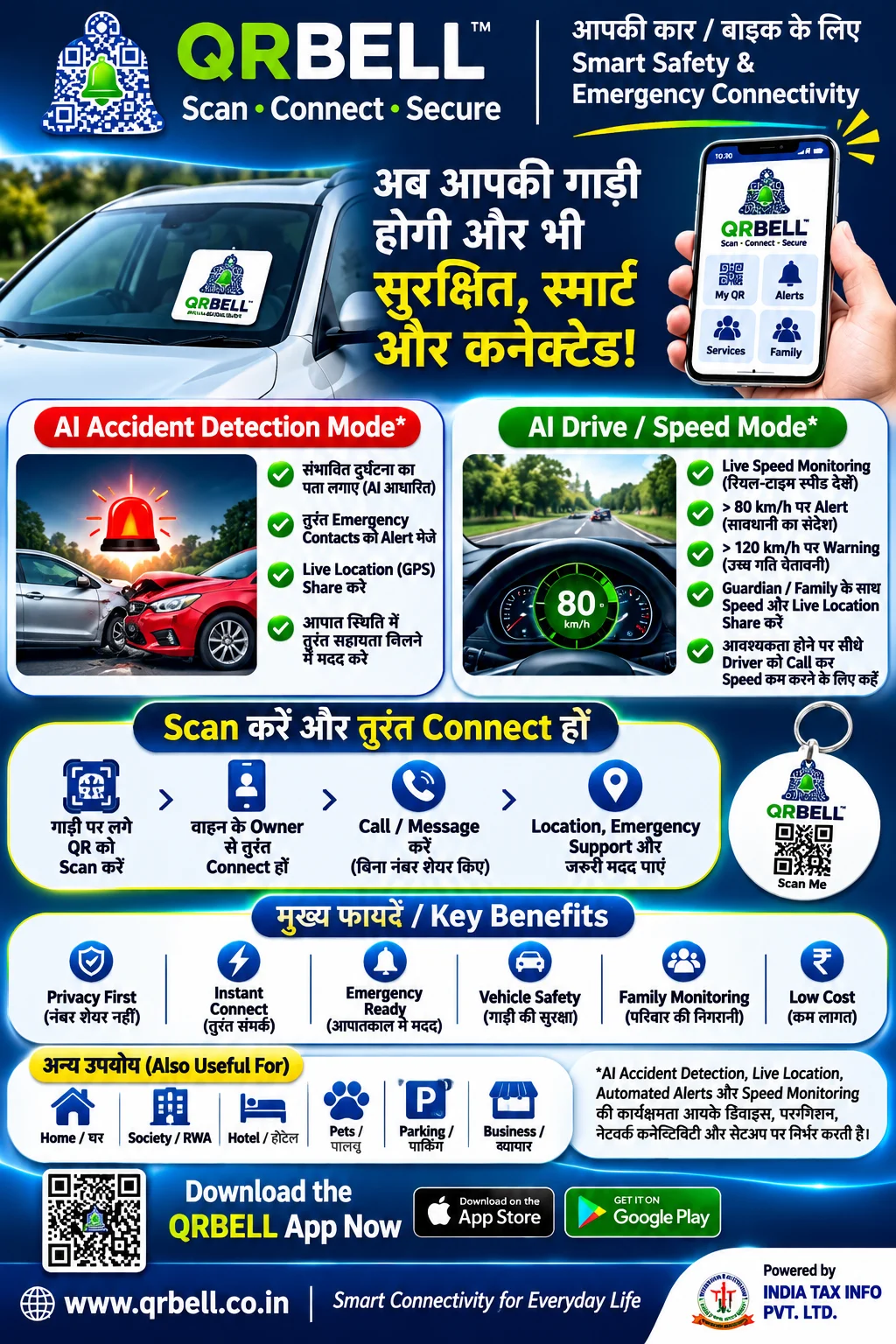
QRBELL is a smart QR-based connectivity platform designed to help vehicle owners, families, housing societies and businesses connect through QR technology.
By placing a QRBELL Vehicle Tag on your car or bike, you can provide a convenient QR-based contact option for people who need to reach the vehicle owner.
Beyond vehicle connectivity, QRBELL also offers features such as AI Accident Detection and AI Drive Mode for supported use cases.
Let's explore how QRBELL can make everyday vehicle communication smarter.
Official Website: https://www.qrbell.co.in
1. What Is QRBELL?
QRBELL is a smart QR-based connectivity platform that helps people connect with vehicle owners, homes, families, businesses and other services through QR codes.
Its Vehicle Tag is designed to make vehicle-owner communication easier.
Instead of displaying your personal mobile number publicly on your car or bike, you can use a QRBELL Vehicle Tag.
When someone scans the QR code, the available contact options can help them connect with the vehicle owner through the configured application.
QRBELL can be useful for:
Car Owners
Bike Owners
Families
Parents and Young Drivers
Housing Societies
RWA Management
Parking Areas
Fleet Operators
Commercial Vehicle Owners
QRBELL – Scan • Connect • Secure
2. Why Does Every Car and Bike Need Smart QR Connectivity?
Vehicles are an essential part of everyday life. However, vehicle owners regularly face situations where someone needs to contact them.
Consider these common examples:
A. Wrong Parking
Someone parks a car in a way that blocks another vehicle or creates inconvenience for residents.
Instead of waiting or searching for the owner, the concerned person can scan the QRBELL Vehicle Tag and use the available contact option.
B. Gate Blocked
A vehicle is parked in front of a society gate, driveway or entrance.
A QR-based contact option can help the affected person reach the vehicle owner.
C. Vehicle Lights Left On
Someone notices that your car headlights or parking lights are switched on.
They can scan your QRBELL tag and use the configured contact facility to inform you.
D. Vehicle Hit or Accidental Damage
If someone notices that your parked vehicle has been hit or damaged, QRBELL can provide a convenient way to contact the owner through its available QR-based communication options.
E. Emergency Communication
In an urgent situation, a person may need to contact the vehicle owner or an authorized contact.
QRBELL helps provide a digital contact route through the configured QR-based system.
3. How Does the QRBELL Vehicle Tag Work?
Using QRBELL Vehicle Tag is designed to be simple.
Step 1: Get Your QRBELL Vehicle Tag
Choose a suitable QRBELL Vehicle Tag for your car or bike.
Step 2: Activate Your QR Code
Register and activate the tag through the supported QRBELL application process.
Step 3: Place the Tag on Your Vehicle
Place the tag at a suitable, clearly visible location, such as the vehicle window, following the product's installation instructions.
Step 4: Someone Scans Your QR Code
A person who needs to contact you scans the QR code using a compatible smartphone.
Step 5: Connect with the Vehicle Owner
The available contact options allow the person to initiate communication through the configured QRBELL system.
Step 6: Receive Important Information
You can receive the relevant communication or notification through the supported application workflow.
The exact contact and notification experience depends on the tag activation, application settings and supported services.
4. AI Accident Detection – A Smarter Approach to Emergency Awareness
Road accidents can happen unexpectedly. One of the major challenges during an accident is ensuring that important information reaches family members or authorized emergency contacts.
QRBELL includes an AI Accident Detection feature designed to identify a possible accident and support emergency communication through the configured application.
How Can AI Accident Detection Help?
Depending on the actual implementation and device support, the feature may support:
Detection of a possible vehicle accident.
Alerts to configured emergency contacts.
Live GPS location sharing.
Read Article